Settings that changed nothing
In the librarian workspace you could pick an accent colour, a dark theme and upload a logo. Everything was saved. But the site didn’t change. How a feature can exist and not work at the same time.
This is one of the sneakiest bugs. No error message, no red line. The librarian picks a colour, clicks “Save”, sees “Saved” — and nothing happens.
What was wrong
The appearance settings were duly saved in the database. The problem was in the pages themselves: colours were written directly into the markup of every button and link — a dark green code repeated hundreds of times. The page never asked the settings which colour to use. It simply knew.
The dark theme had the same problem: the code had a colour set for the dark theme, but it was identical to the light one.
The right way
All interface colours are now theme variables: accent, light accent, text, secondary text, lines, background. Every button, link, chip and badge takes its colour from a variable. The librarian’s setting changes the variable, and the whole site changes at once.
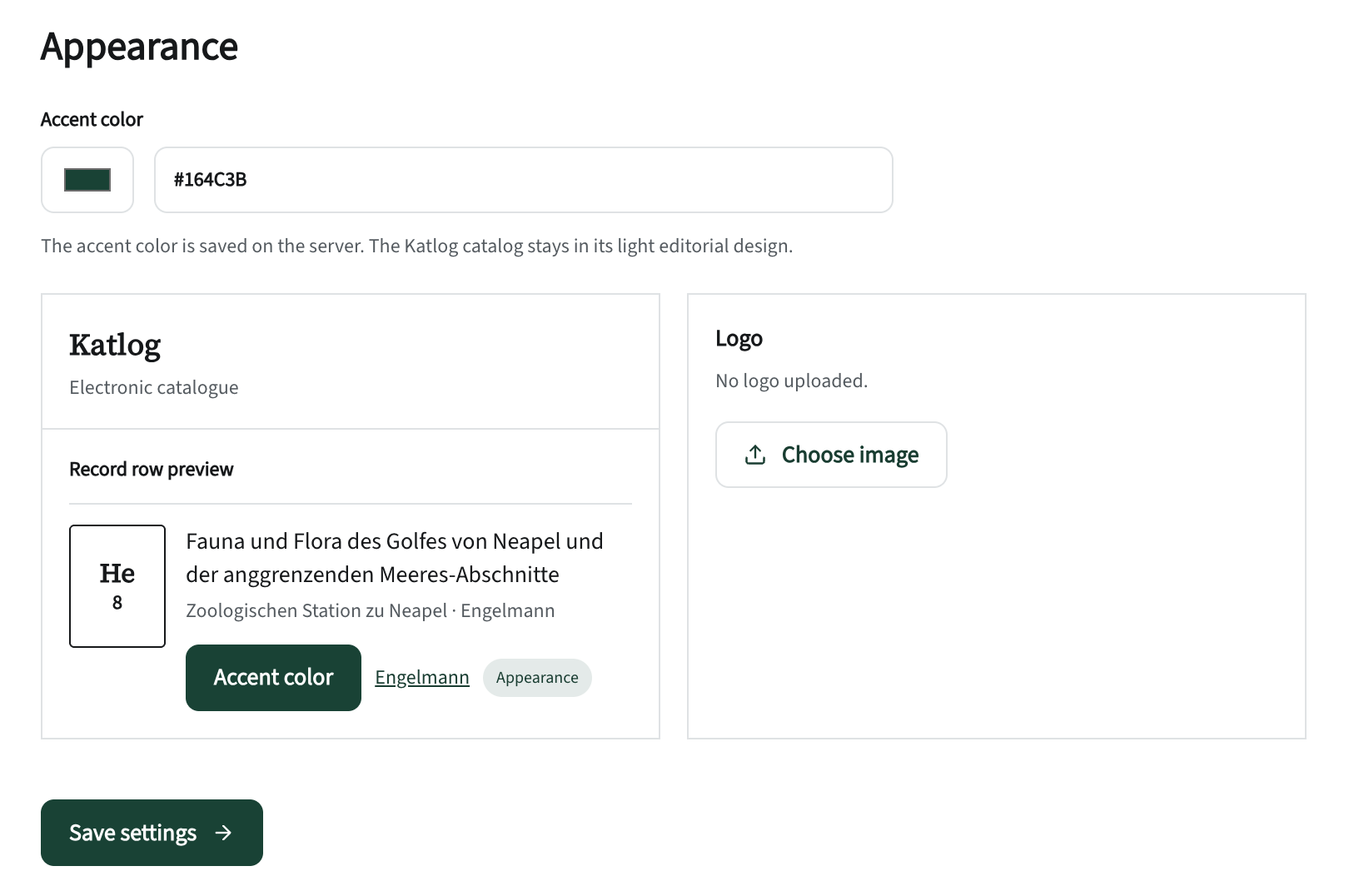
Guarding against a bad colour
The librarian can choose any colour — including a light yellow on which a button’s white text can’t be read. So when saving, the system checks the contrast against white. If it is below 4.5 to 1, the threshold used in web accessibility guidelines, a warning appears.
The logo
Logos are accepted only as PNG, JPG and WebP, up to one megabyte. SVG is deliberately not accepted: such a file can hide executable code, and checking it reliably is a big task in its own right.